Always know
what’s next.
See what’s due, what’s coming up, and how you’re doing across your courses.

All the tools and resources needed to succeed as a student. Your courses, coursework and grades work together to support your progress.
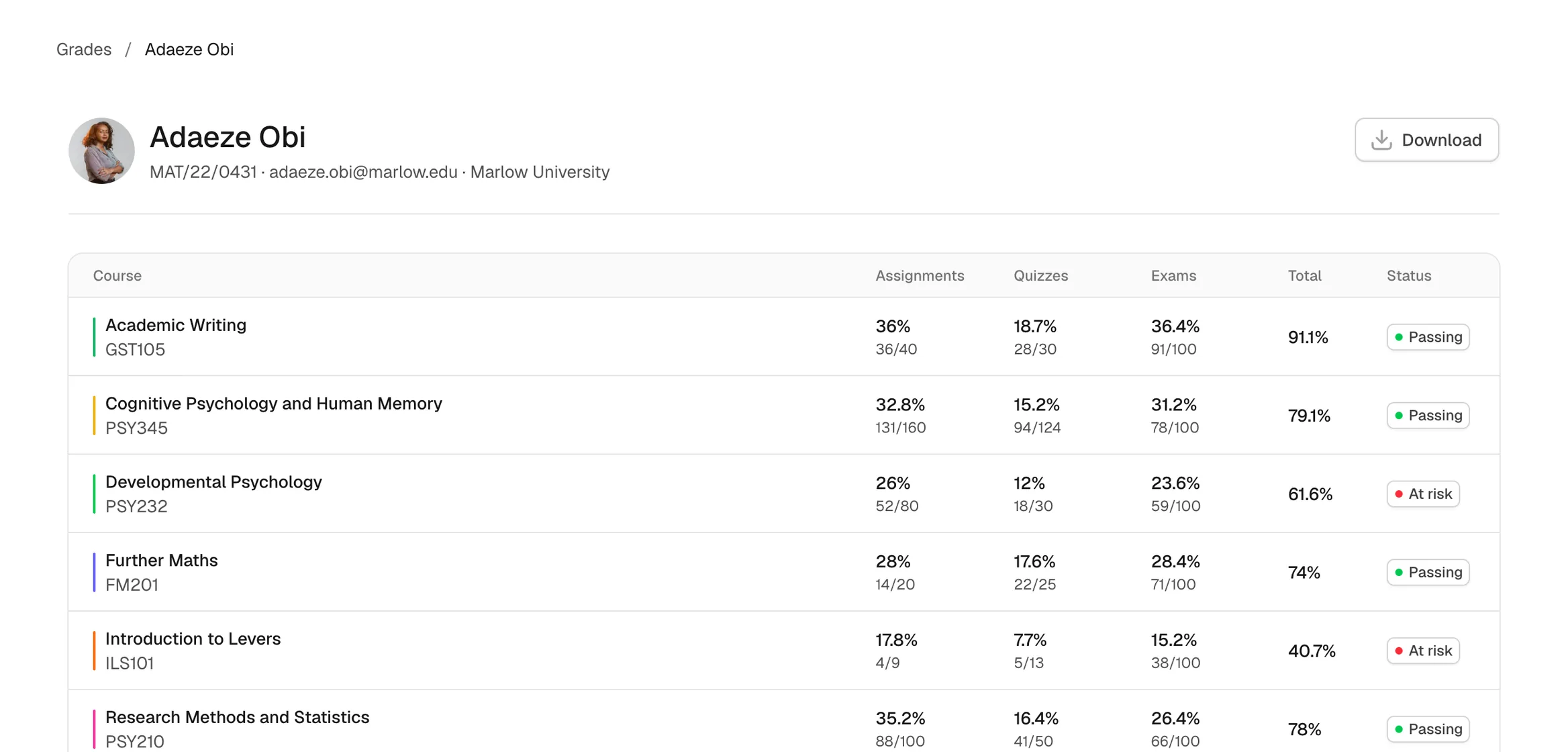
Grades that
make sense
See how assignments, quizzes and exams contribute to each course grade.
Made for
your school days
Fewer tabs, fewer surprises. Just what you need, when you need it.
Stay on top of things
Every deadline you have, in the order they land. Your calendar carries the classes you are due in and the work that is due with them, so the week ahead is one screen rather than five.

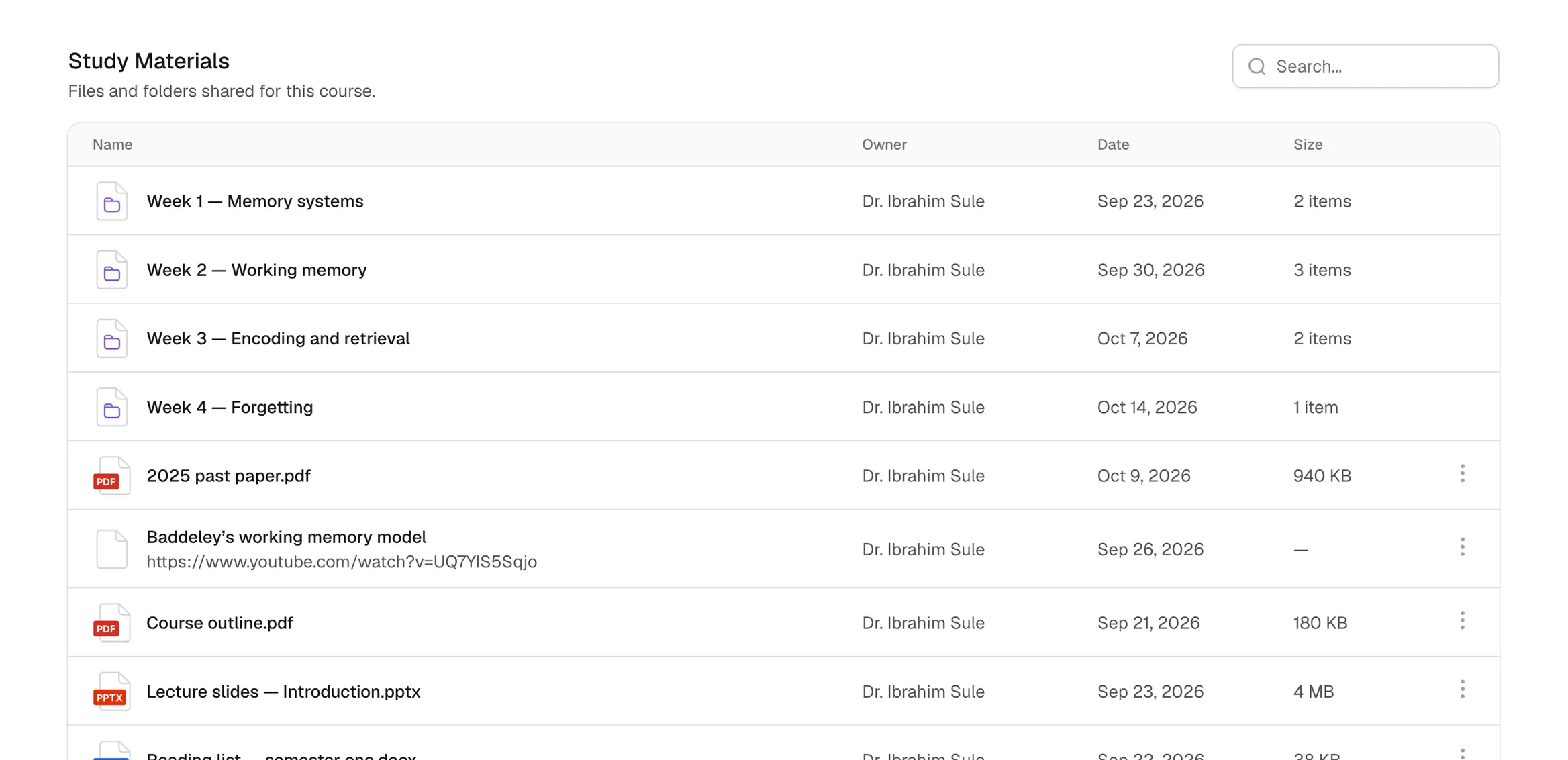
Everything your
teacher has shared
Slides, readings, recordings and links, sitting in the course itself rather than scattered across your chats and your email.
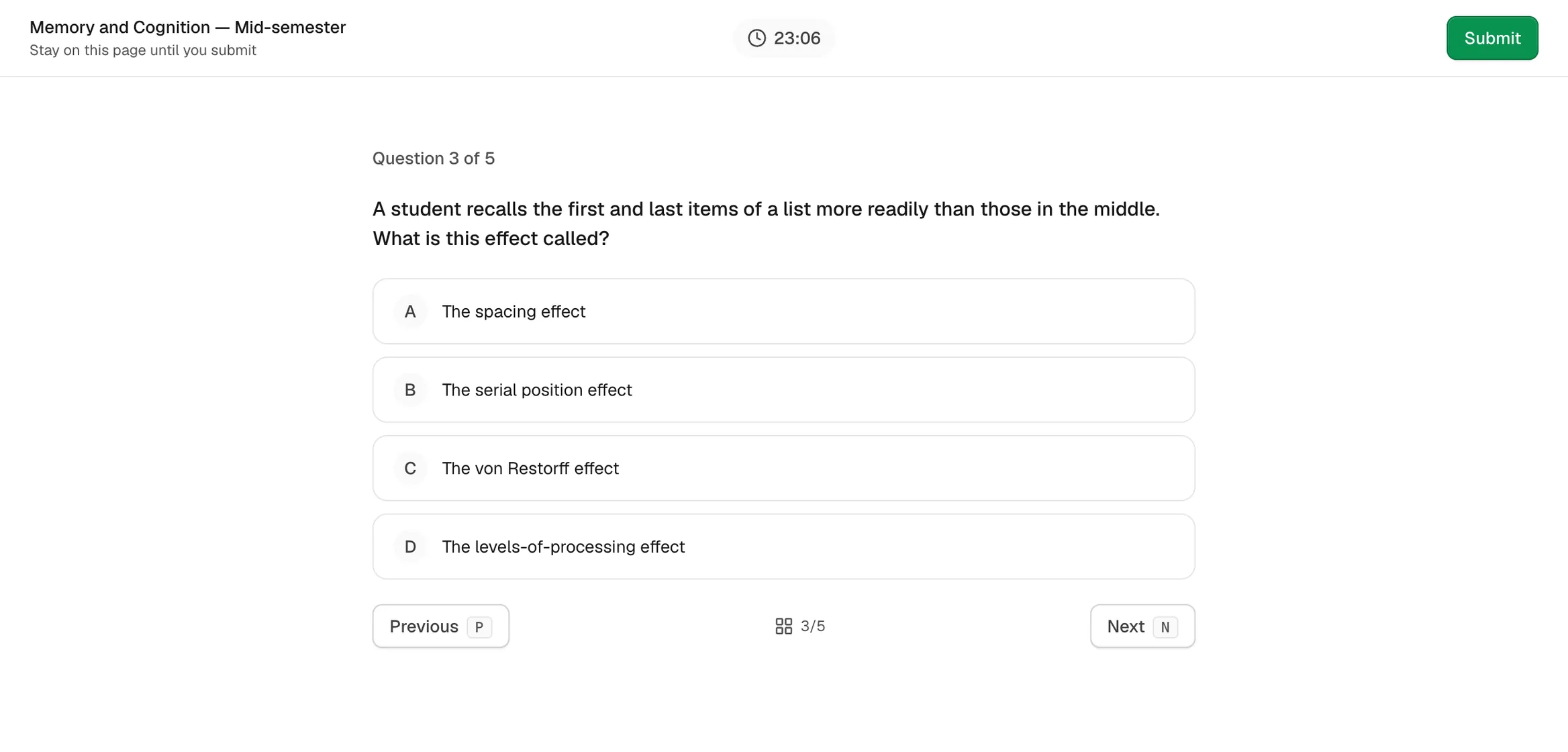
Quizzes and exams
that build confidence
Practise what you’ve learned, grow your understanding and feel more prepared for exams.
Sooooooo much more
- Announcements
- Everything your teachers post to the course, newest first, with who posted it and when.
- Discussions
- Start one, or answer in the thread — a thought, a photo or a link, with the class.
- Calendar
- Your classes by day, week or month, with the details of each one a tap away.
Outlines, study materials and the people on your course — the rest of what a course is made of.
Your questions, answered
Can’t find what you’re looking for? Our team replies within a day.
Talk to usIs Lena free for students?
Yes. Students never pay. Your school or teacher covers Lena, and you just sign in.
How do I join a course?
Your teacher gives you a code for the course and you enter it once. Courses you are already eligible for show up in your list without a code at all.
Does it work offline?
Mostly. What you have already opened still works, and anything you submit is sent when you are back online.
Can my parents see my grades?
Not yet. There are no parent accounts. Parent access is coming.